The Aurah Art House Reader
Our magazine and books, in your pocket.
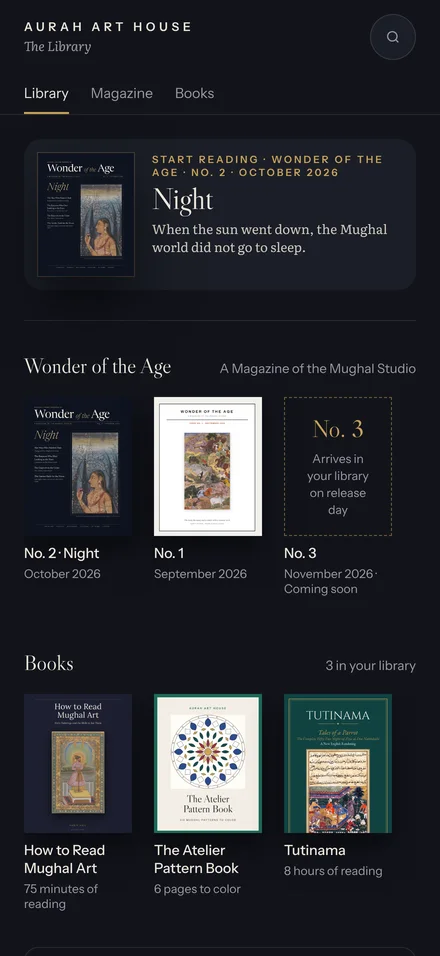
Wonder of the Age, the complete Tutinama, How to Read Mughal Art and more — one free app for iPhone, iPad, Android and your computer. It reads offline, and new issues arrive on their own.
Free · no account · no app store needed
Install it in a minute
The reader installs straight from this website. Pick your device; we've already chosen the one you're on.
Open reader.auraharthouse.com in Safari.
Tap the Share button — at the bottom of the screen on iPhone, top right on iPad. On newer iOS it may sit inside the ••• menu.
Choose Add to Home Screen , then tap Add. The gold Aurah Reader icon appears on your home screen.
Open reader.auraharthouse.com in Chrome.
Tap Get the app above — or open Chrome's menu ⋮ and choose Install app (sometimes Add to Home screen).
Tap Install. Aurah Reader joins your other apps.
In Chrome or Edge: click Get the app above, or the install icon at the right end of the address bar, then Install.
In Safari: open the File menu and choose Add to Dock, then Add.
Aurah Reader opens in its own window and lives in your Dock and Launchpad.
Open reader.auraharthouse.com in Chrome or Edge.
Click Get the app above, or the install icon at the right end of the address bar. In Chrome you can also use the menu ⋮ → Cast, save, and share → Install page as app.
Aurah Reader opens in its own window and appears in your Start menu or app launcher.
Using Firefox? It can't install web apps yet — open this page in Chrome, Edge or Safari.
What's in the library
Everything Aurah Art House publishes, with more added as it's released.
Made for reading
The pleasures of the printed page, on whatever screen is closest.
Reads offline
Every issue and book you open stays on your device, ready for the plane or the garden.
New issues arrive on their own
No updates to download. When a new issue is published, it appears in your library.
Easy on a phone
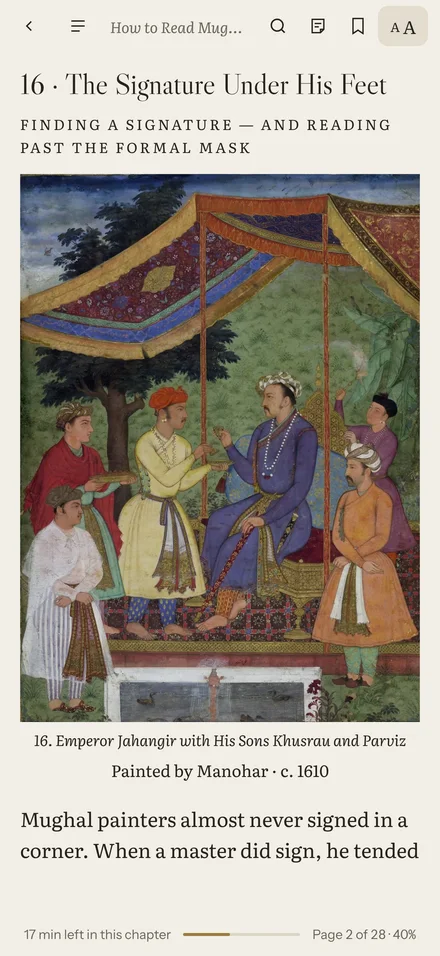
Magazine articles reflow into one comfortable column; switch back to the designed pages any time.
Every brushstroke
Tap any painting to open it full screen and zoom right into the detail.
Highlights & notes
Mark a passage, add a note, set a bookmark — and choose your own type, size and paper colour.
Pattern books to colour
Mughal medallions and jali screens, with a palette of historical pigments.